
The emoji picker your
desktop deserves
A fast emoji picker for Windows and macOS.
Pick, paste, done.
One-time purchase. 14-day refund.
By purchasing, you agree to the Terms and acknowledge the Privacy Policy.
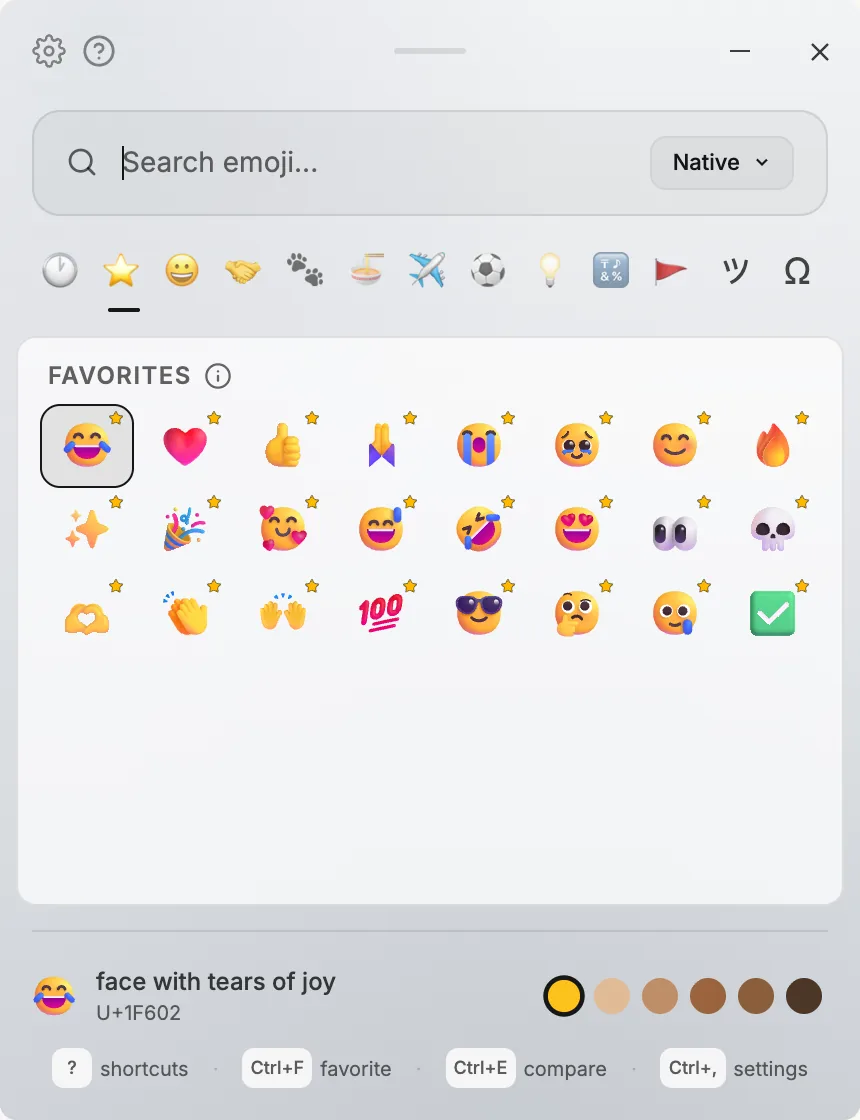
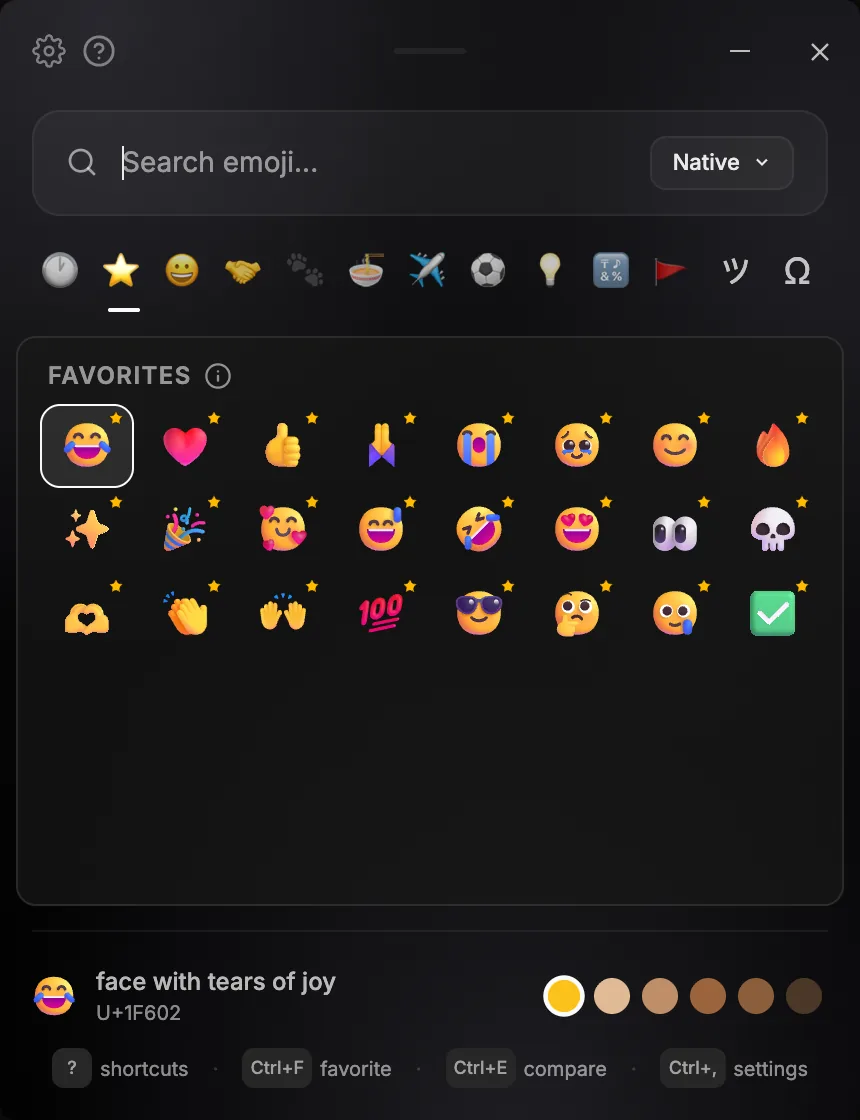
How it works
- 1
Click where you type
A chat, a post, a code editor, anywhere.
- 2
Press your shortcut
The picker opens at once. You choose the keys.
- 3
Pick an emoji
Type to search or use the arrow keys, then press Enter.
- 4
It's pasted for you
The emoji lands right where you were typing.
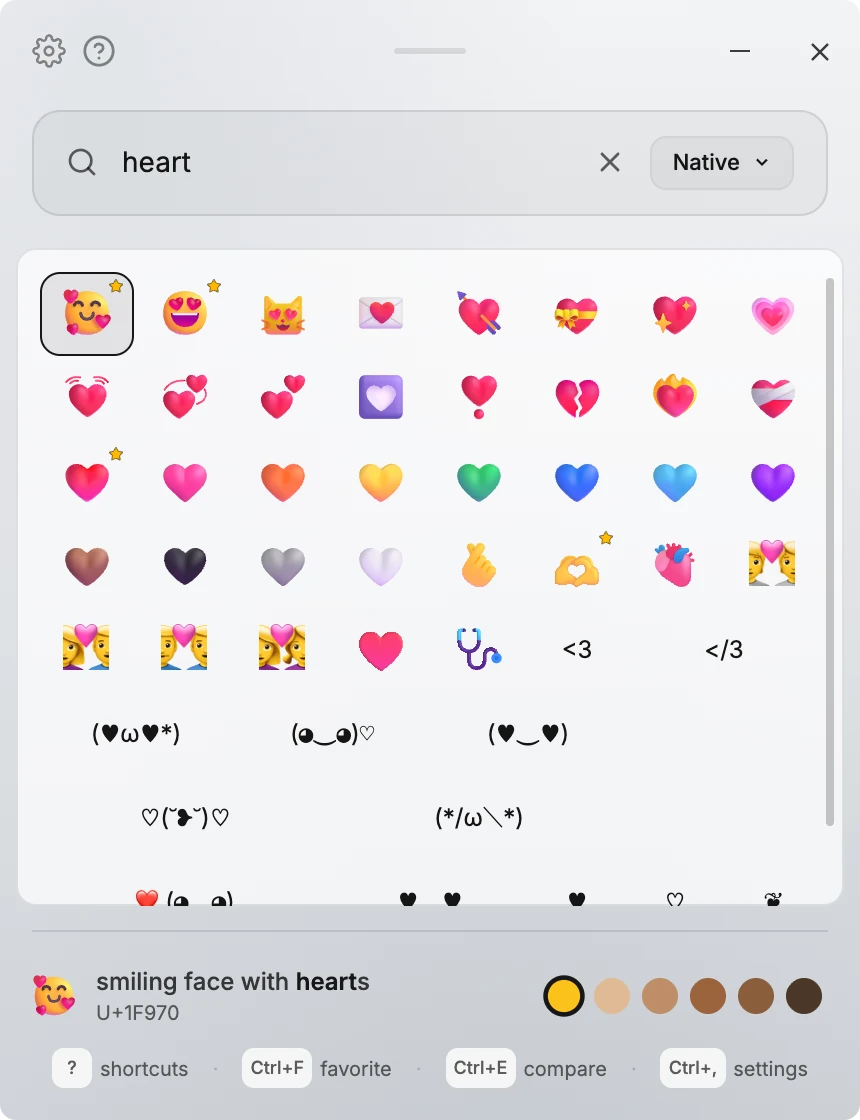
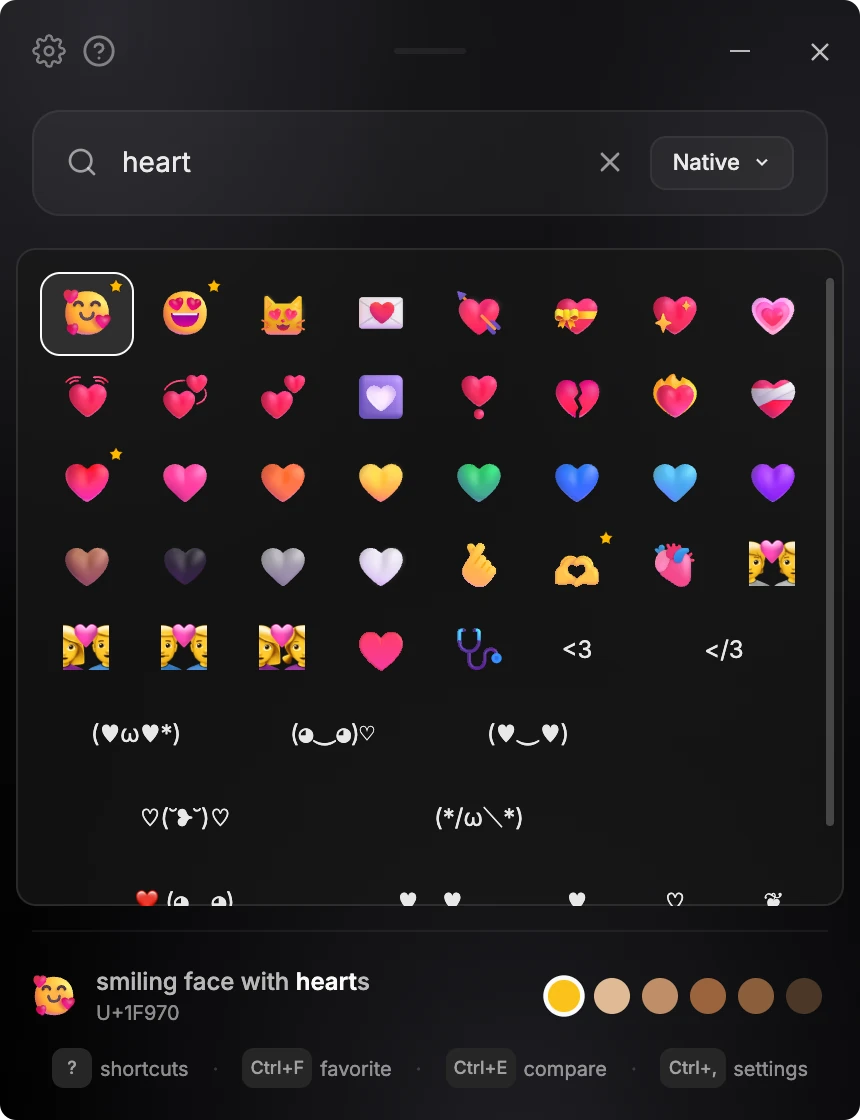
Find anything as you type
Search in English, or switch the app language to Korean, Japanese, Chinese, Spanish, or French to search in that language too. Results narrow as you type, with no scrolling and no category hunting.
Favorites and recents, always one tab away
Star the emoji you reach for constantly with Ctrl+F. Recent picks stay at the top automatically.
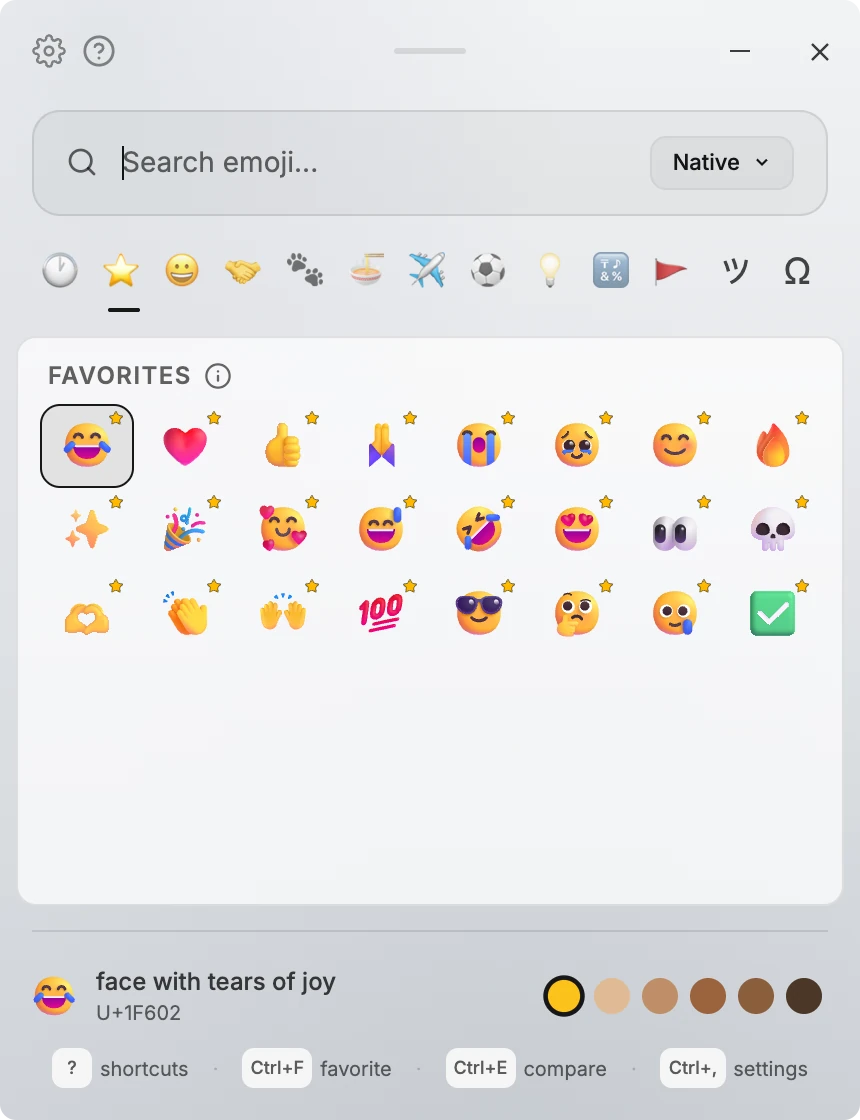
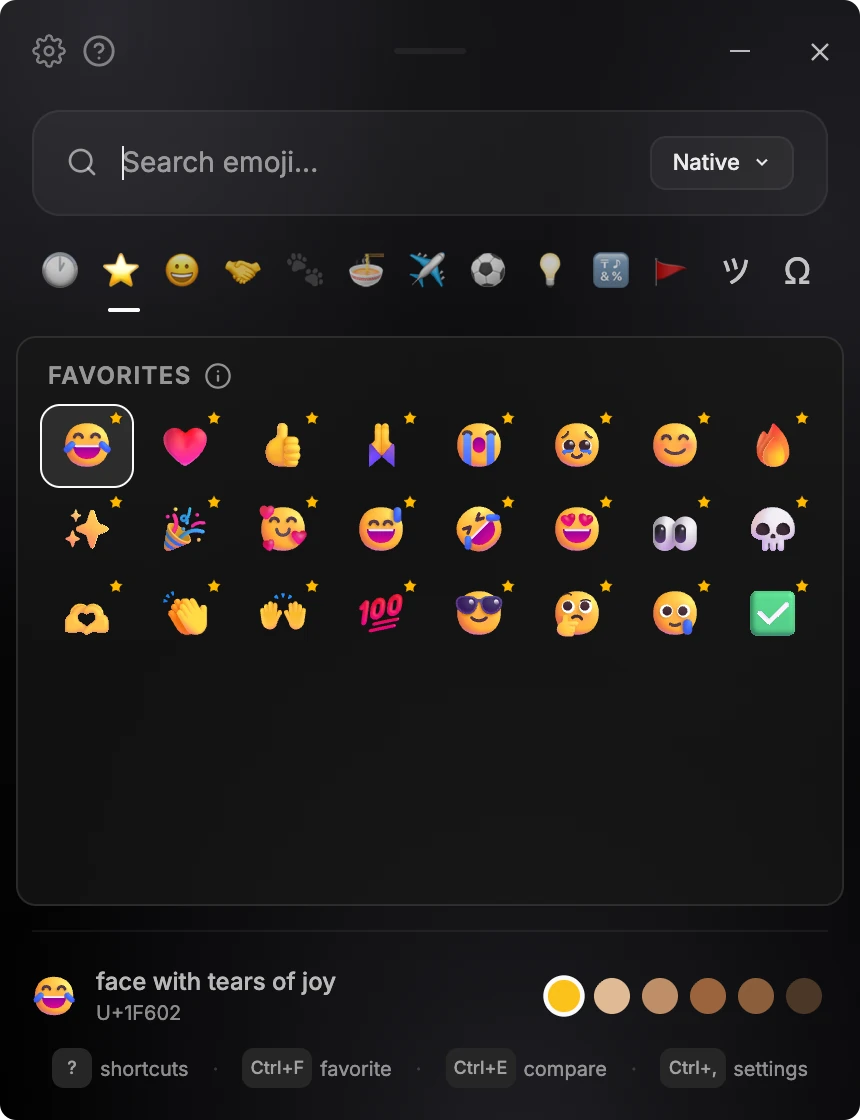
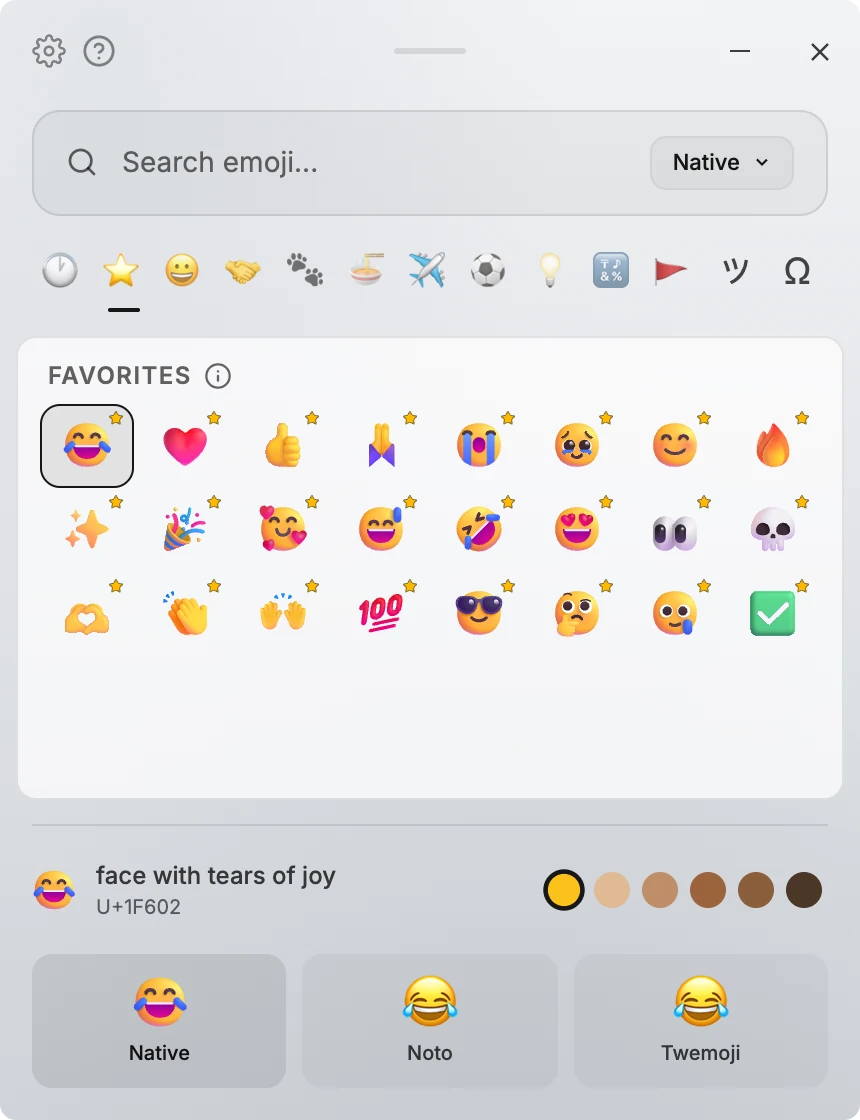
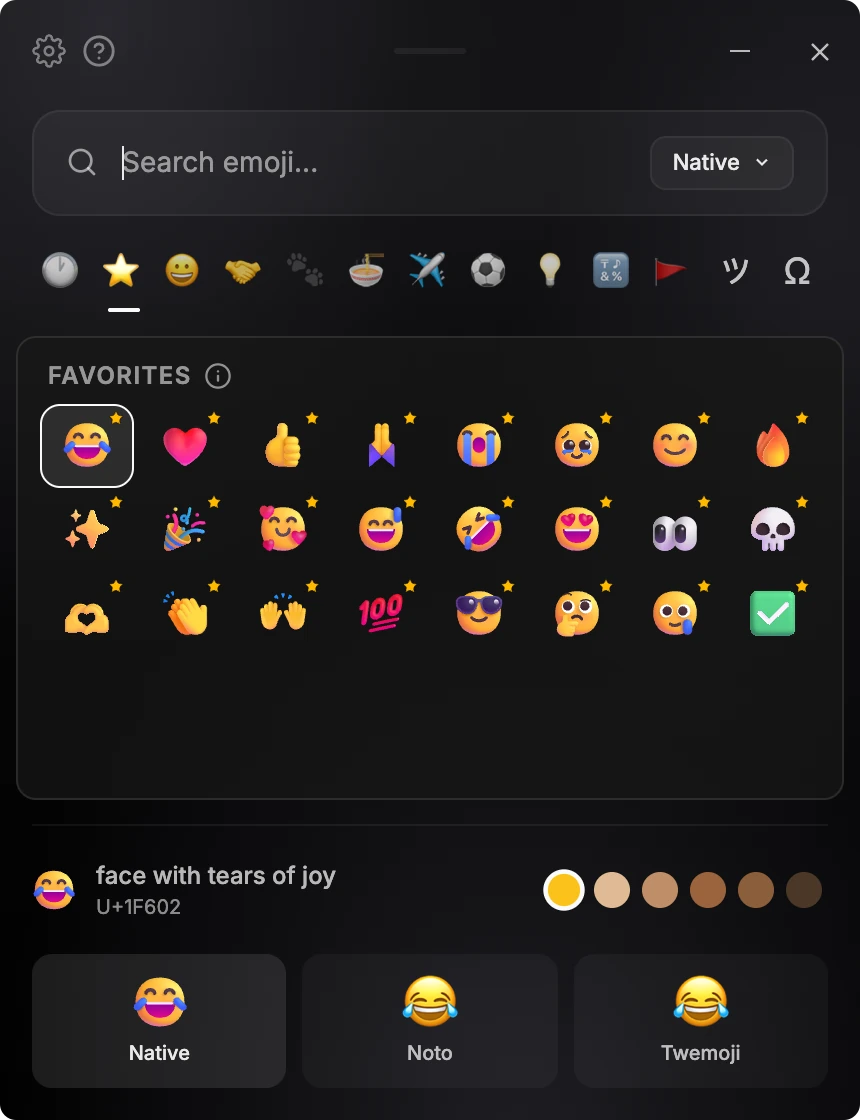
Every emoji style, one shortcut to compare
Pick Native, Noto, or Twemoji, plus Fluent on a Mac, or press Ctrl+E to see the focused emoji in every style side by side. Choose a default skin tone and every supported emoji follows it.
Designed for keyboards first
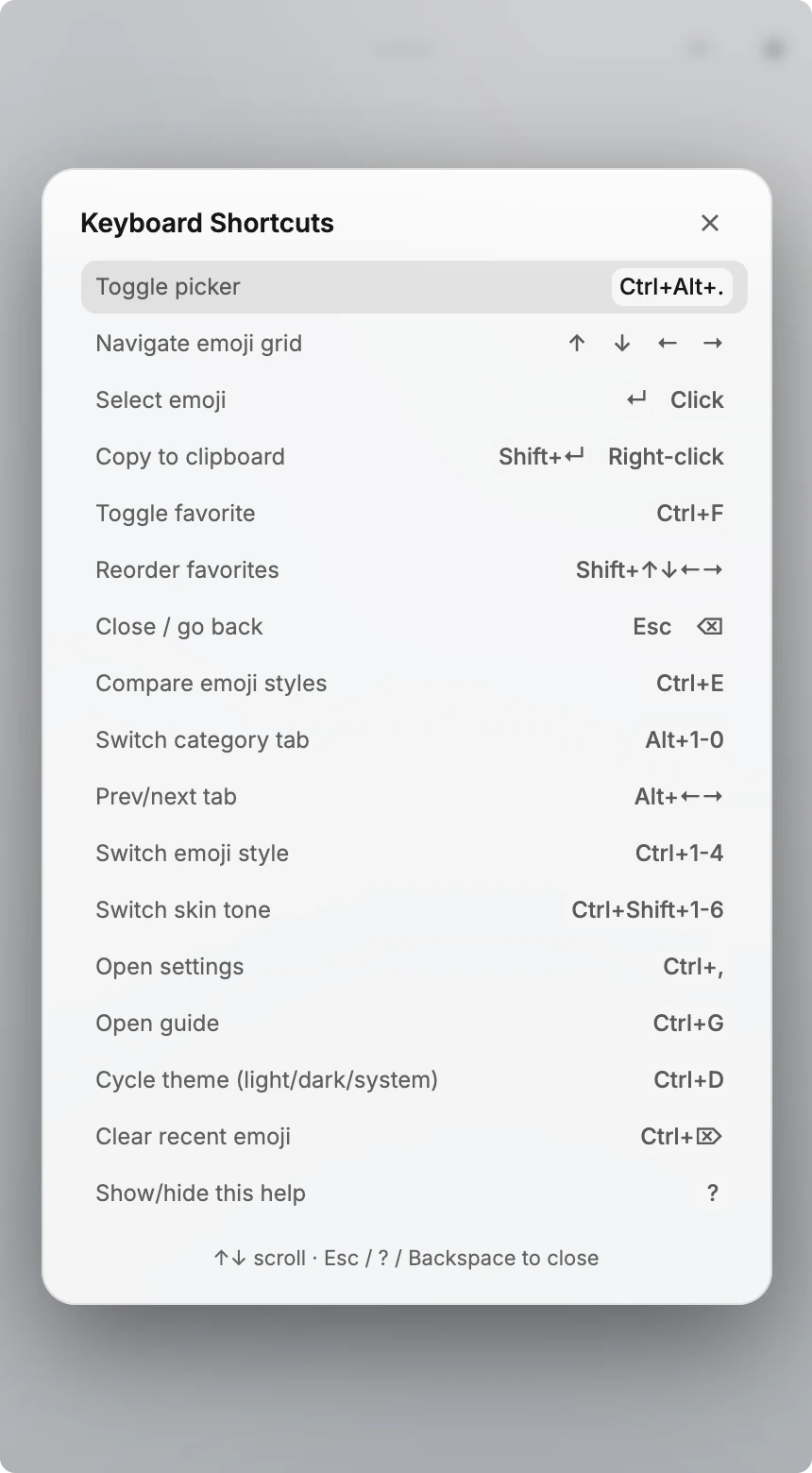
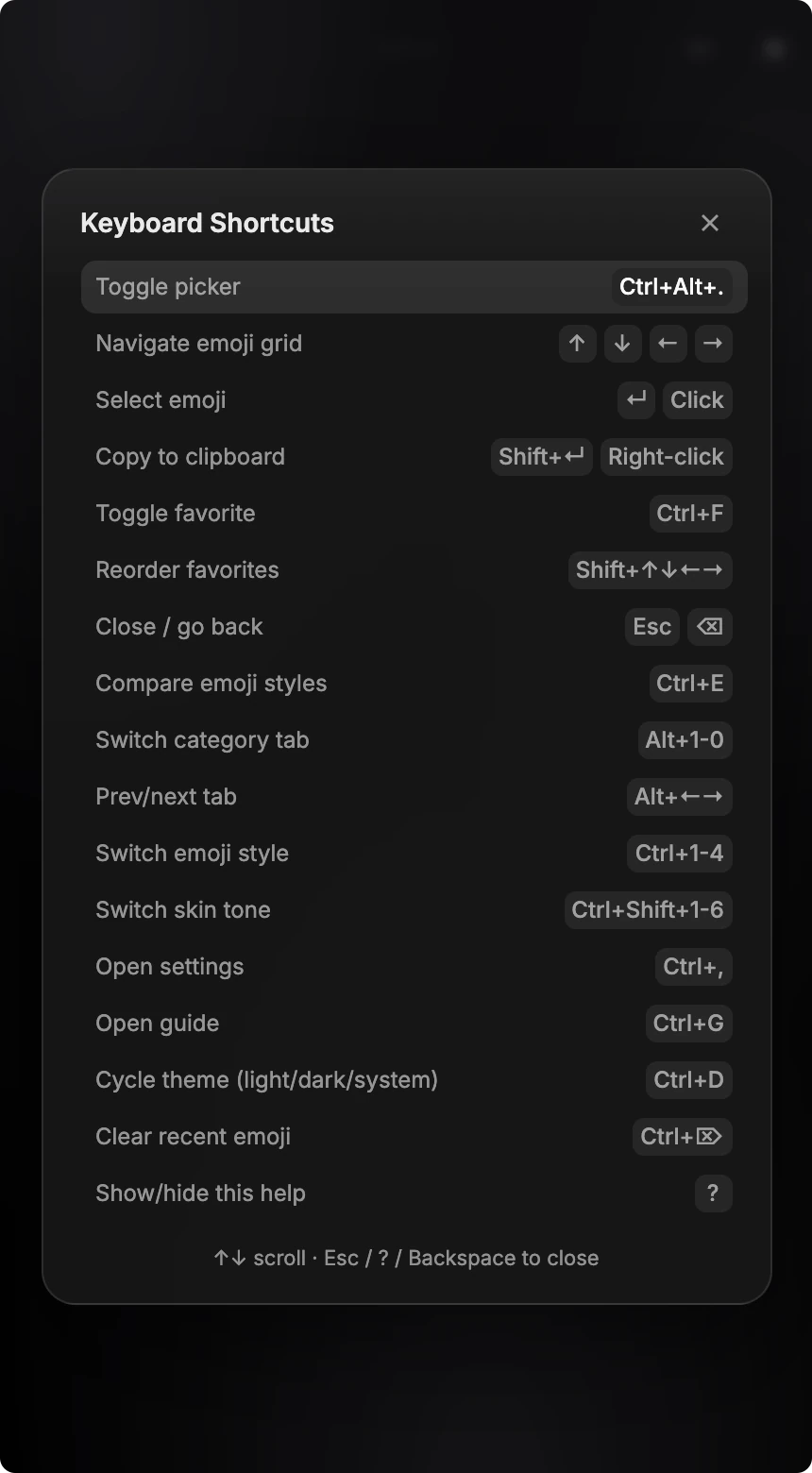
Arrow keys to browse, Enter to paste, Alt+←→ to switch tabs, or Alt+1-0 to jump straight to a category, Ctrl+F to favorite. Press ? anywhere to see the full shortcut map.
Make it yours
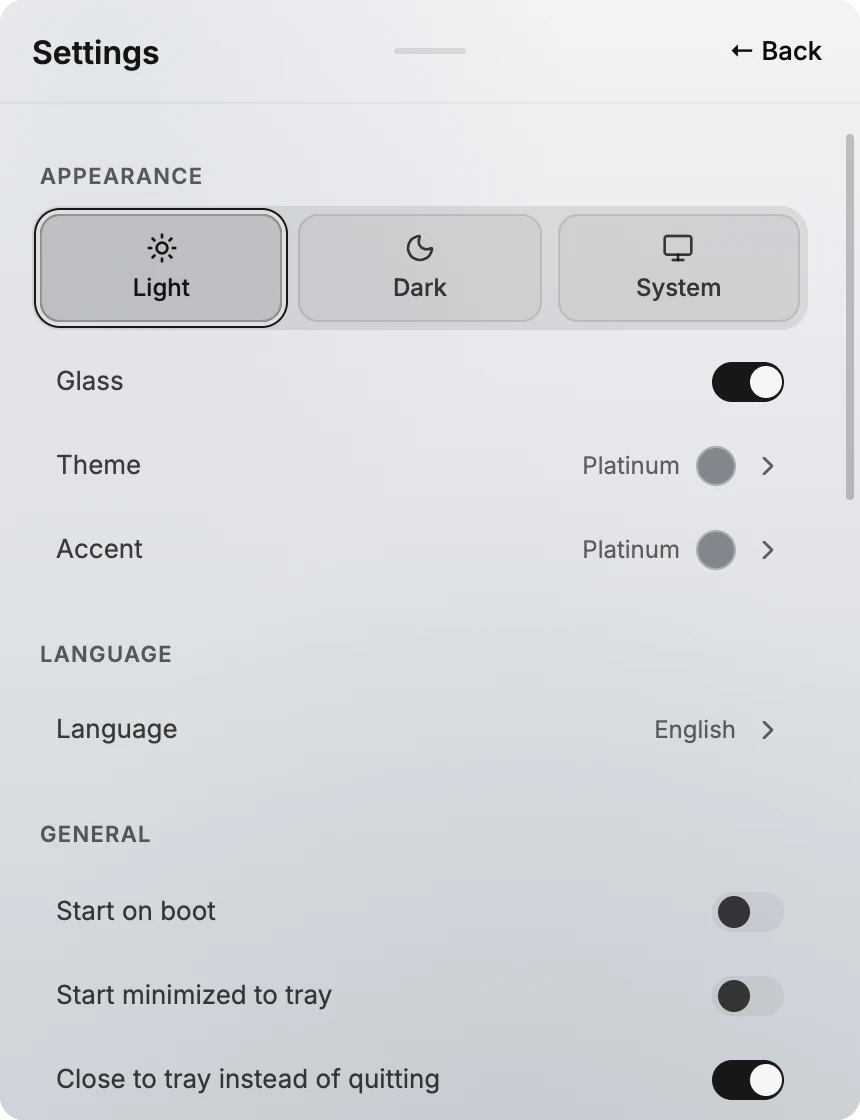
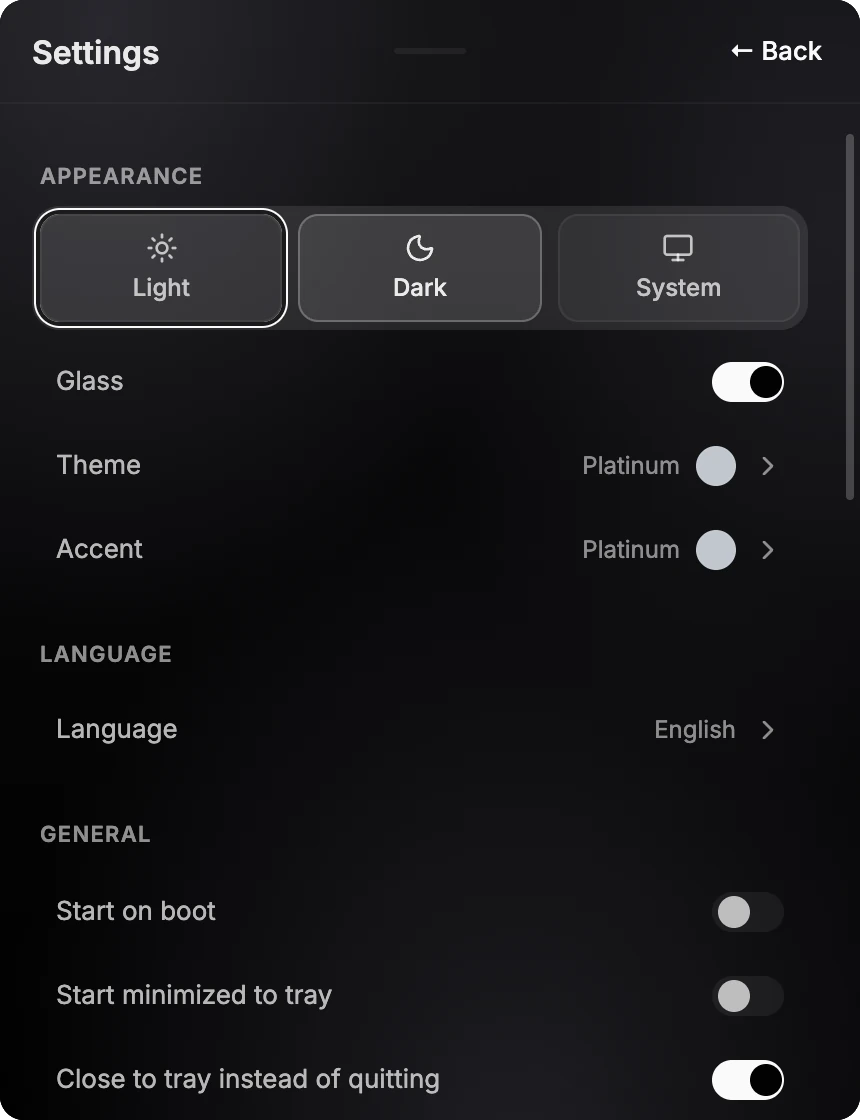
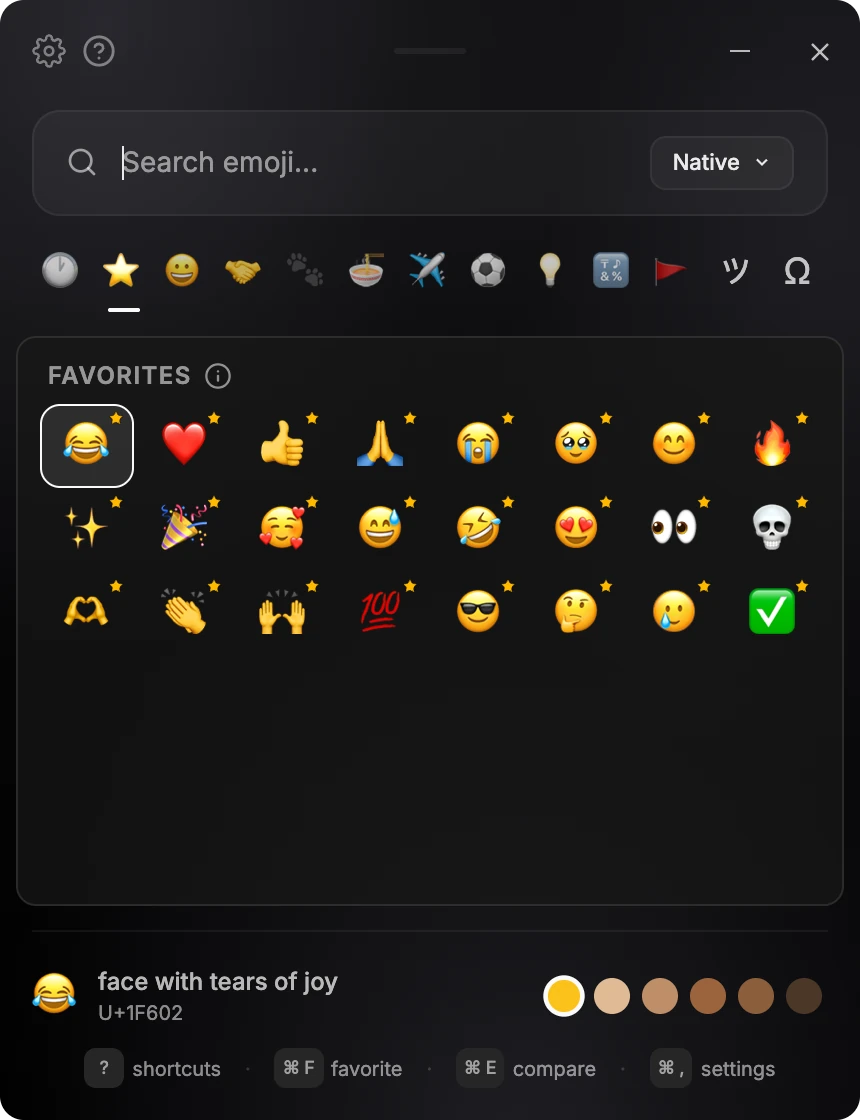
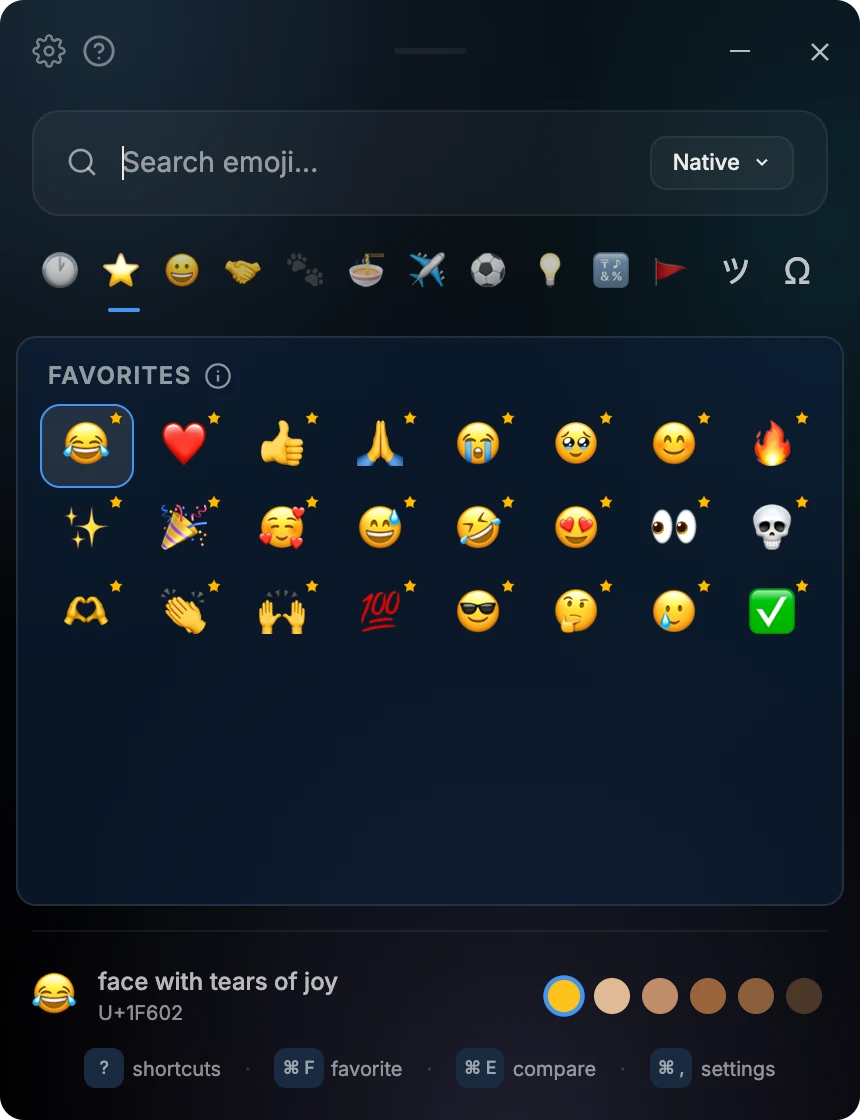
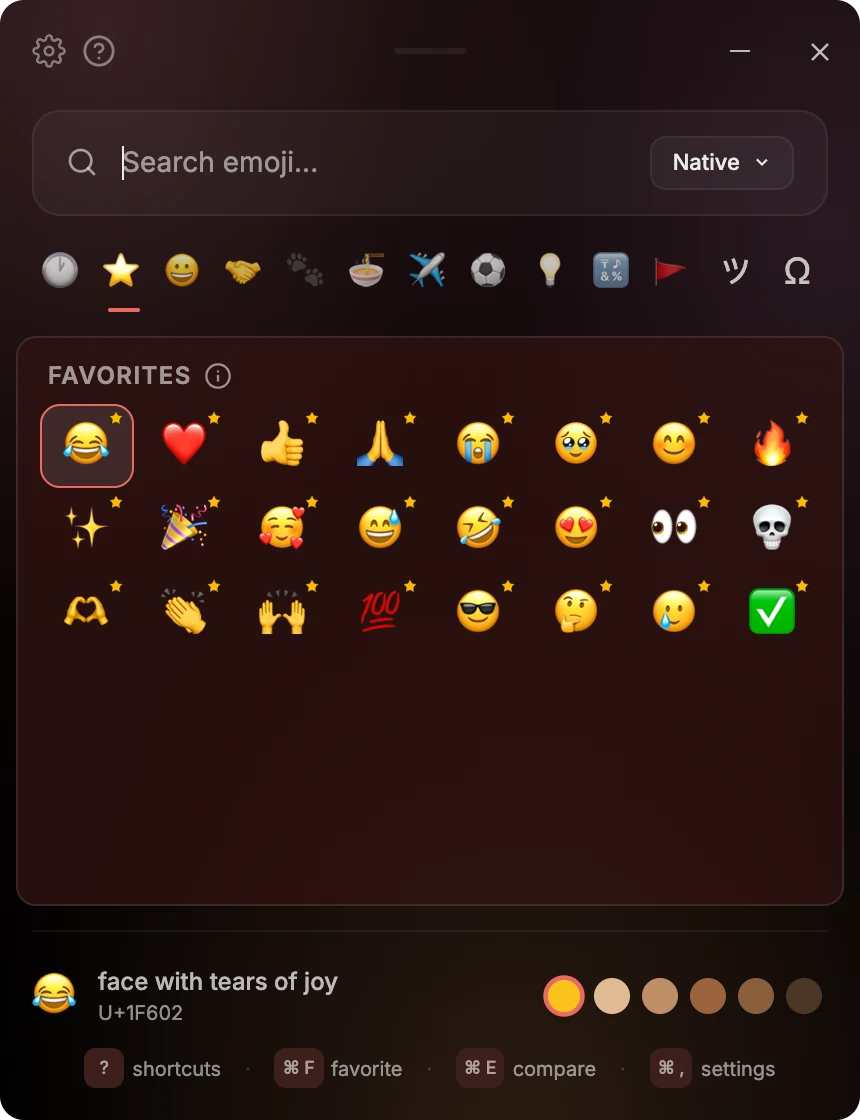
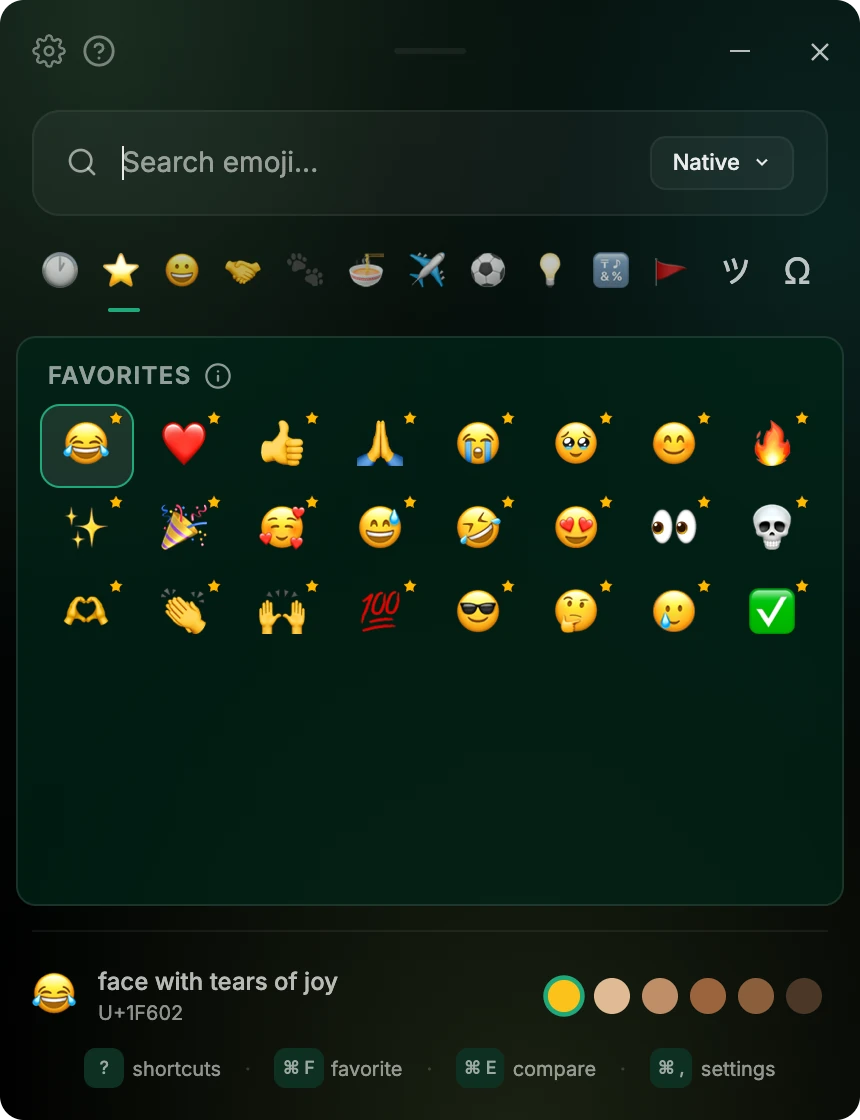
Choose from 18 color themes and 17 accent colors, in light or dark. Turn on Glass and your desktop shows softly through the picker, with Liquid Glass on macOS 26 and newer and acrylic on Windows 11. Every theme is included with your license.
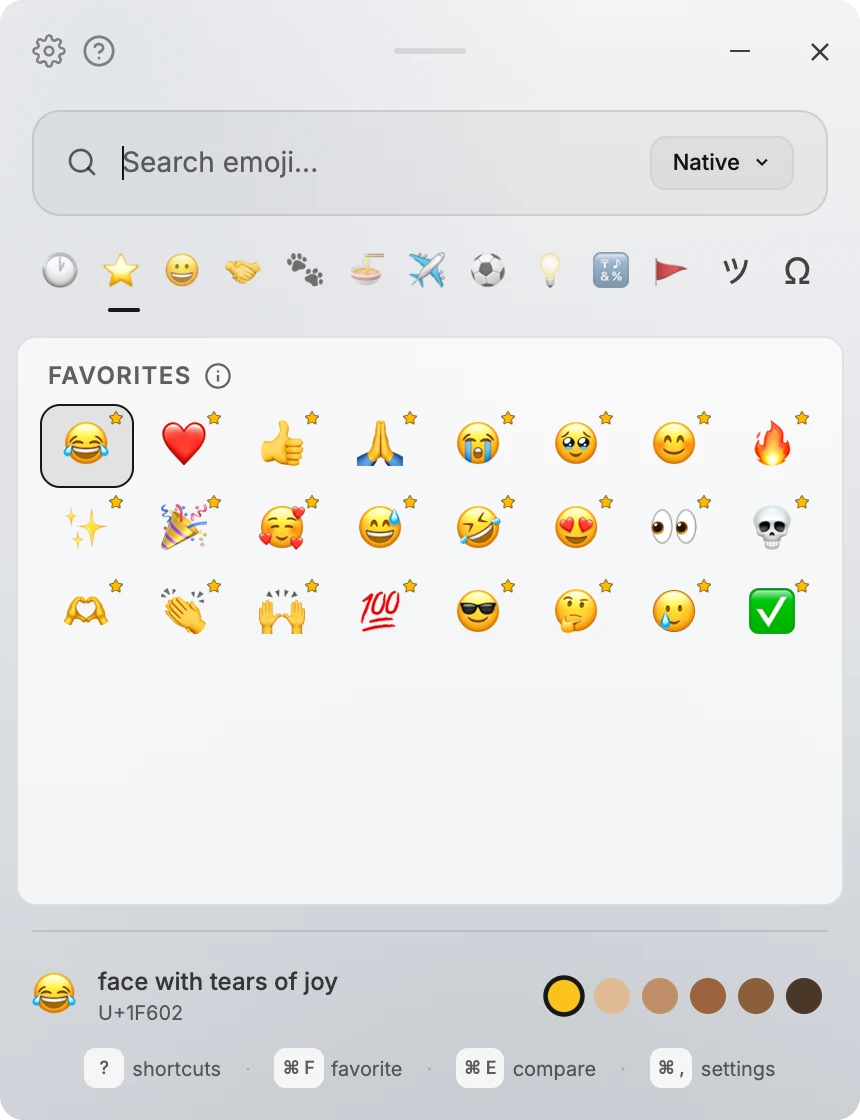
Platinum 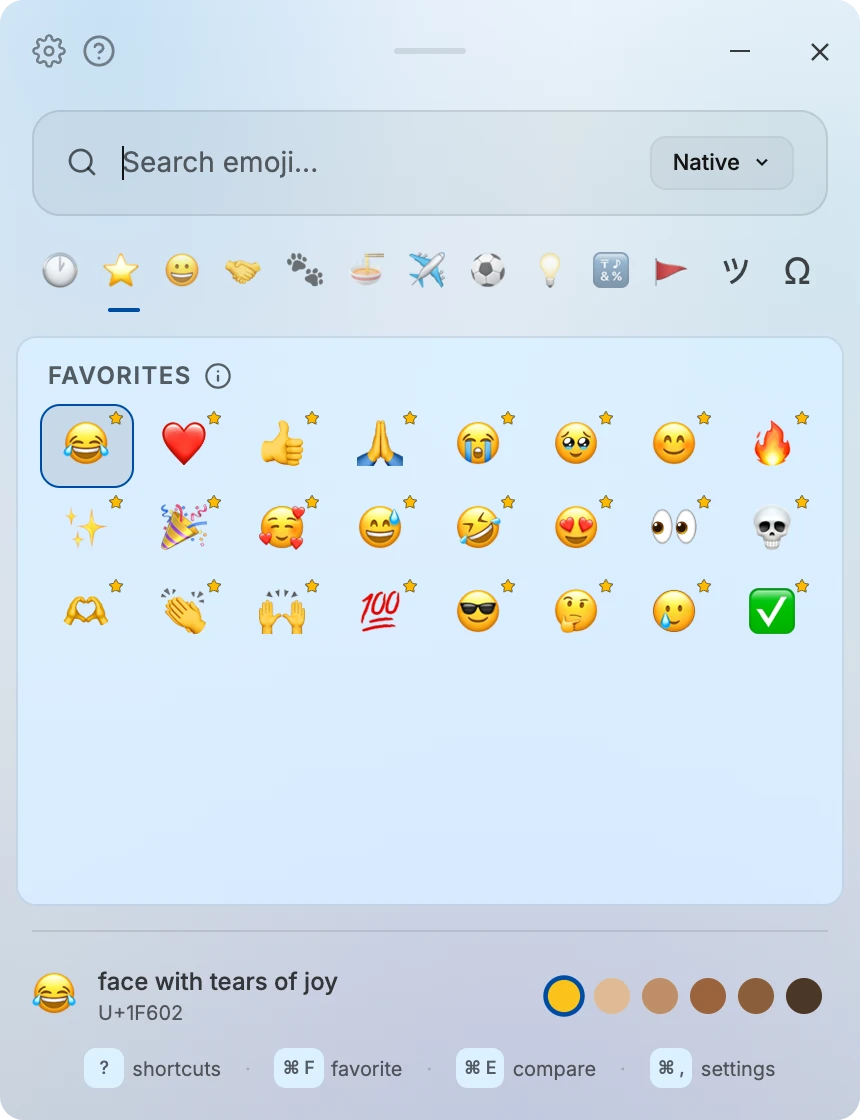
Sapphire 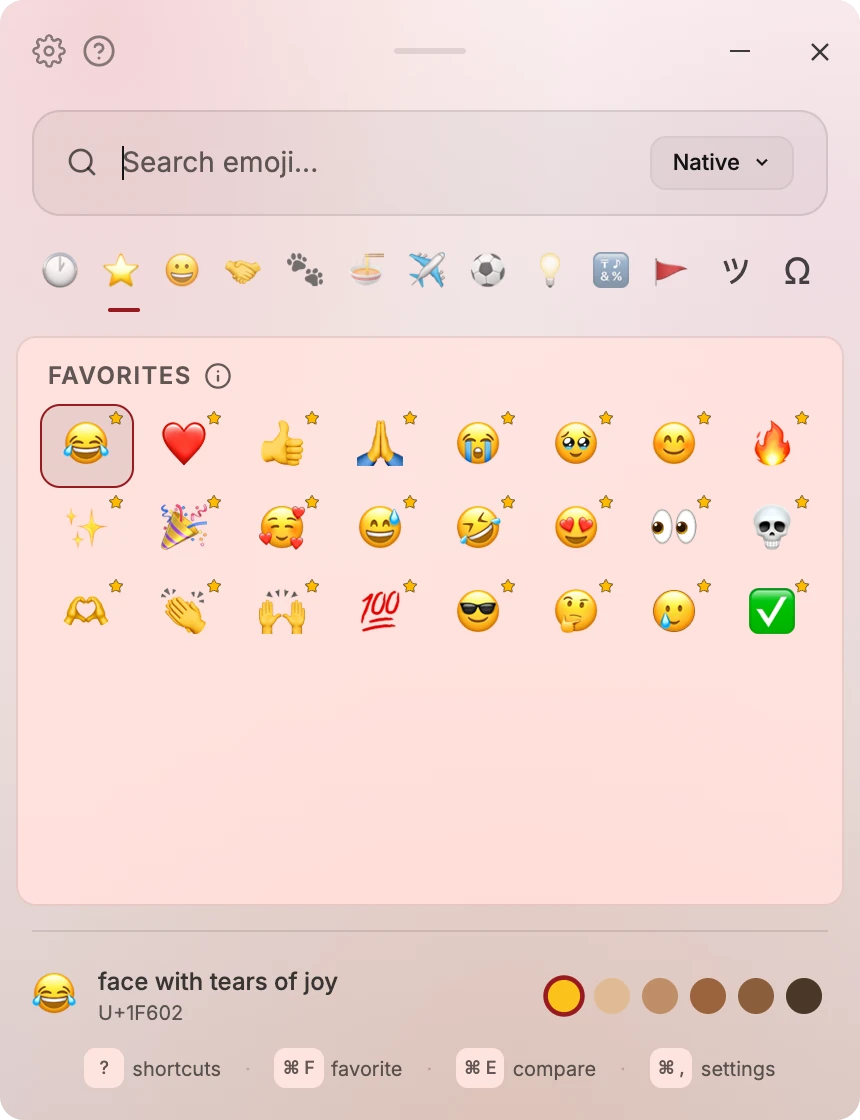
Rose 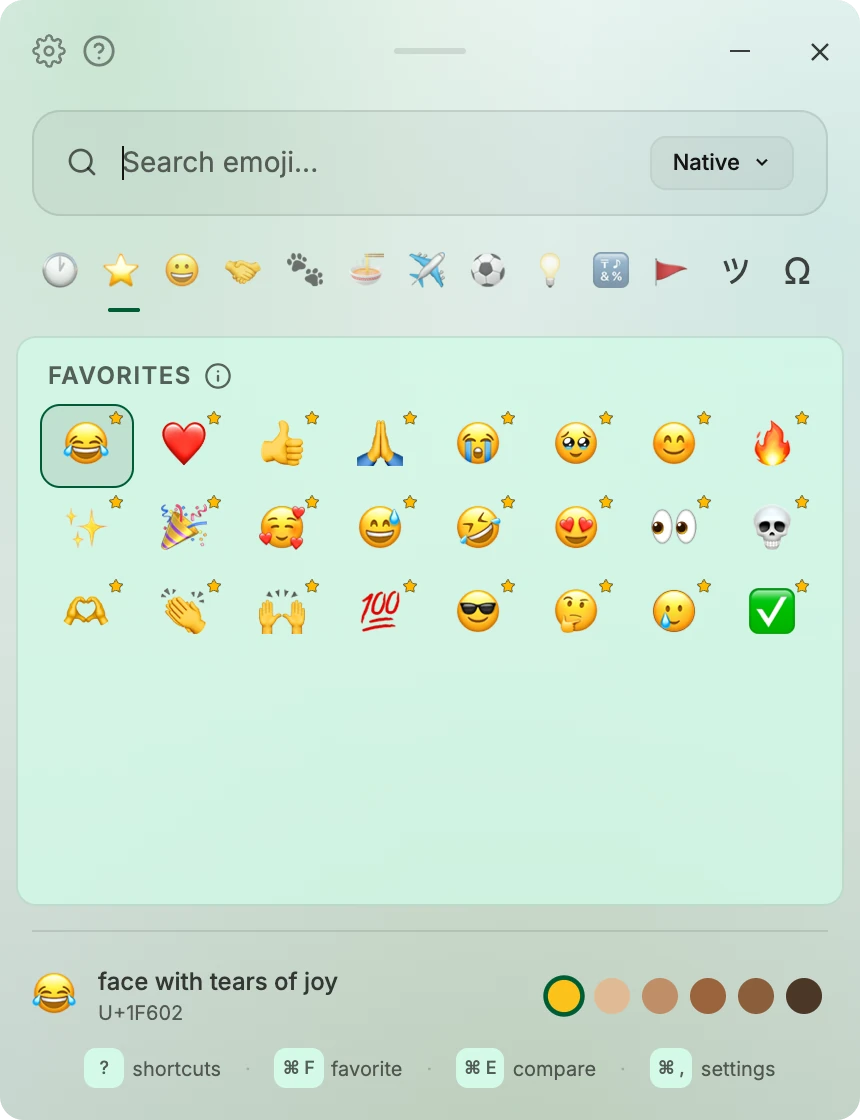
Jade
Works anywhere you type
Easymoji pastes into whatever app had focus before the hotkey.
- Slack
- Discord
- Notion
- VS Code
- Terminal
- X / Twitter
- Figma
- Obsidian
- Anywhere you type
Also included
Kaomoji and text faces
A tab of classic smileys and kaomoji like (◠‿◠) and ¯\_(ツ)_/¯.
Symbols
Arrows, check marks, math, and currency symbols in their own tab.
Your own shortcut
Keep the default shortcut or set any keys you like.
Six app languages
Use and search Easymoji in English, Korean, Japanese, Chinese, Spanish, or French.
Keep open
Paste several emoji in a row without the picker closing.
Simple pricing
One-time purchase. Not a subscription.
Every license includes
- Every feature and every theme, on Windows and macOS
- Every future update, free
- No renewal, and your key never expires
- 14-day money-back guarantee
The 3 licenses are refunded together, not one key at a time.
By purchasing, you agree to the Terms and acknowledge the Privacy Policy.
Frequently asked questions
Ready to pick emoji faster?
One-time purchase. 14-day money-back guarantee.
By purchasing, you agree to the Terms and acknowledge the Privacy Policy.